
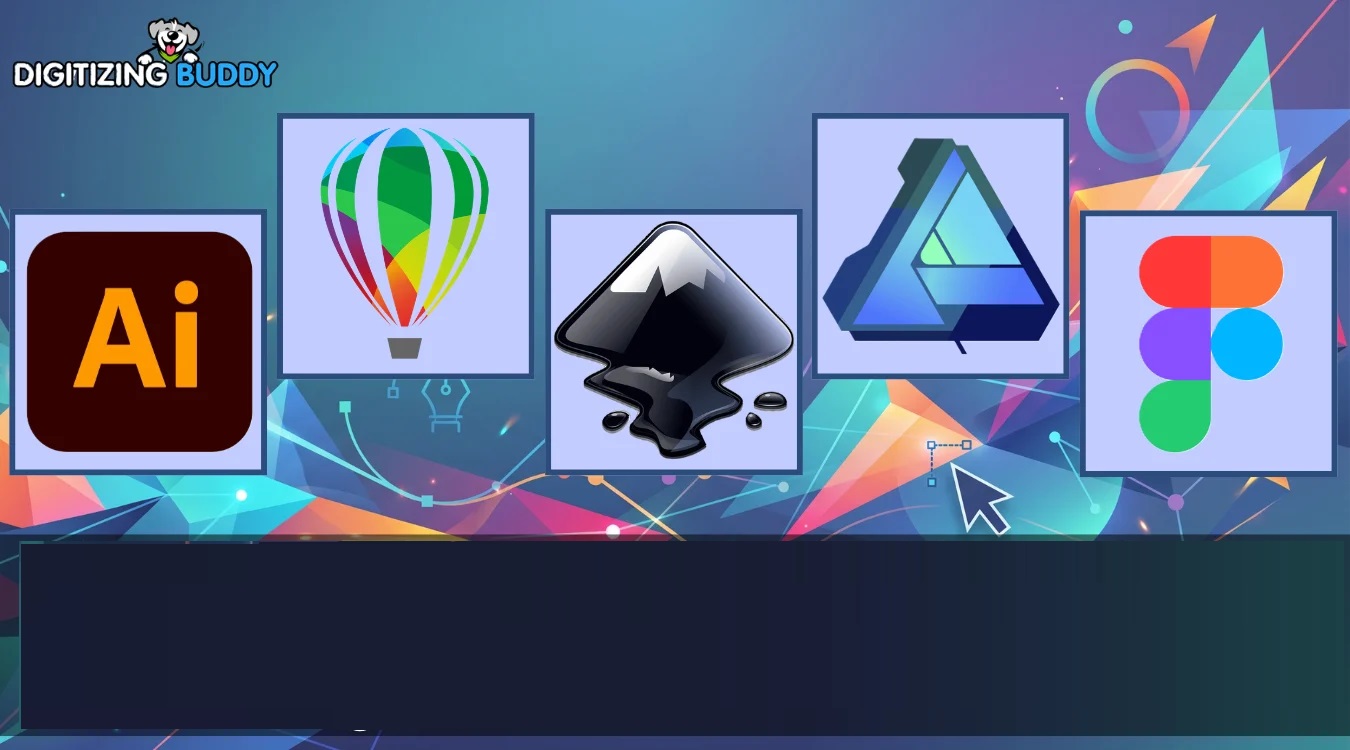
Professional Vector Software: Why It Matters for Modern Design
Professional Vector Software
Introduction
Imagine spending hours creating a logo, only to find that it becomes blurry when printed on a banner or embroidered onto a shirt. Frustrating, right?
That’s exactly why designers, businesses, and embroidery professionals rely on professional vector software. Unlike ordinary image editing tools, vector software creates artwork that remains sharp, clean, and scalable regardless of size.
Whether you’re designing a company logo, preparing artwork for printing, or creating files for embroidery digitizing, understanding how vector graphics work can save time, improve quality, and deliver more professional results.
In this guide, you’ll learn what professional vector software is, why it’s important, and how it supports industries such as branding, printing, and embroidery.
What Is Professional Vector Software?
Professional vector software is a design application used to create graphics based on mathematical paths rather than pixels.
These paths are made from points, lines, curves, and shapes that can be resized infinitely without losing quality.
Unlike raster images, which become pixelated when enlarged, vector graphics stay perfectly crisp at any size.
Common Uses of Vector Graphics
Vector artwork is widely used for:
- Logo design
- Brand identity creation
- Custom apparel graphics
- Embroidery artwork
- Marketing materials
- Signage
- Product packaging
- Vehicle wraps
Because vector files are scalable, they provide flexibility across both digital and print applications.
Why Professional Vector Software Is Important
In today’s competitive market, businesses need artwork that looks professional everywhere.
A single logo may appear on:
- Business cards
- Websites
- Social media profiles
- Uniforms
- Promotional products
- Billboards
Using vector graphics ensures consistency across all these platforms.
Benefits of Professional Vector Software
Unlimited Scalability
One of the biggest advantages of vector graphics is their ability to scale without losing quality.
Whether your artwork is one inch wide or twenty feet tall, it remains sharp and clear.
Easy Editing
Every element within a vector design remains editable.
Designers can:
- Adjust colors
- Modify shapes
- Resize objects
- Edit text
- Rearrange design elements
This flexibility makes revisions faster and more efficient.
Cleaner Printing Results
Professional printing equipment performs best when supplied with vector artwork.
Vector files help ensure:
- Sharp edges
- Accurate colors
- High-resolution output
- Consistent production quality
Better Embroidery Preparation
Vector files are especially useful for embroidery digitizing because they provide clean outlines and precise design elements.
At Digitizing Buddy, vector artwork often serves as the ideal starting point for creating high-quality embroidery files.
Key Features to Look for in Professional Vector Software
Not all vector design tools offer the same capabilities.
When evaluating software, look for features that support professional-quality artwork creation.
Advanced Drawing Tools
A good vector design platform should include:
- Pen tools
- Shape creation tools
- Curve editing features
- Path manipulation options
- Precision alignment controls
These features help designers create accurate and polished artwork.
Layer Management
Complex projects often contain many design elements.
Layer organization helps keep artwork structured and easy to edit.
Benefits of Layer Management
- Faster editing
- Better workflow organization
- Improved collaboration
- Simplified revisions
Typography Controls
Text is a critical part of many designs.
Professional vector software should offer:
- Font customization
- Text alignment tools
- Letter spacing controls
- Text-to-outline conversion
These features help create professional-looking branding materials.
Export Flexibility
A versatile workflow requires multiple file export options.
Useful export formats may include:
- SVG
- EPS
- DXF
- Other scalable vector formats
This ensures compatibility across different production environments.
How Vector Graphics Improve Branding
Strong branding starts with high-quality artwork.
A vector logo can be used across countless marketing channels while maintaining visual consistency.
Examples of Branding Applications
- Corporate logos
- Product labels
- Trade show displays
- Uniform embroidery
- Social media graphics
- Promotional merchandise
When artwork is created using professional vector software, businesses gain more flexibility and long-term value.
The Role of Vector Artwork in Embroidery
Embroidery digitizing often begins with vector artwork.
Why?
Because vector graphics provide clean, clearly defined shapes that make the digitizing process easier and more accurate.
Benefits for Embroidery Projects
Vector artwork helps:
- Improve stitch accuracy
- Simplify color separation
- Reduce digitizing time
- Create cleaner embroidery results
At Digitizing Buddy, properly prepared vector files often lead to smoother production and higher-quality embroidery outcomes.
Tips for Creating Better Vector Artwork
Creating professional designs requires more than just software.
Follow these practical tips to improve your results.
Keep Designs Simple
Simple artwork is easier to scale, print, and embroider.
Avoid adding unnecessary details that may become difficult to reproduce.
Use Consistent Shapes
Consistency creates a polished and professional appearance.
Organize Your Layers
A well-organized file saves time during revisions and production.
Convert Fonts When Sharing Files
Converting text to outlines prevents font compatibility issues when sending artwork to clients or production teams.
Review at Multiple Sizes
Always test how your design looks both large and small.
A design that works on a billboard should also remain clear on a business card.
Common Mistakes to Avoid
Even experienced designers occasionally make mistakes.
Watch out for these common issues:
- Using low-quality source images
- Overcomplicating artwork
- Ignoring layer organization
- Forgetting file compatibility requirements
- Failing to prepare artwork for embroidery or print
Avoiding these mistakes can significantly improve design quality.
Conclusion
Professional vector software is an essential tool for creating scalable, high-quality artwork that performs well across print, digital, and embroidery applications. From logo creation and branding to signage and embroidery digitizing, vector graphics offer unmatched flexibility and precision.
By understanding the benefits, features, and best practices of vector-based design, businesses and creative professionals can produce cleaner artwork, streamline production workflows, and achieve more professional results.
Whether you’re preparing graphics for marketing materials or embroidery projects, investing time in vector design principles can make a lasting difference in the quality of your work.
FAQs
What is professional vector software used for?
Professional vector software is used to create scalable graphics such as logos, illustrations, branding materials, signage, and embroidery artwork.
Why are vector files important for printing?
Vector files maintain sharp quality at any size, making them ideal for professional printing and large-format graphics.
Can vector artwork be used for embroidery digitizing?
Yes. Vector artwork provides clean outlines and precise shapes, making the digitizing process more accurate and efficient.
What makes vector graphics different from raster images?
Vector graphics use mathematical paths, while raster images use pixels. This allows vector artwork to scale without losing quality.
How can businesses benefit from vector graphics?
Businesses can use vector graphics for consistent branding, professional marketing materials, custom apparel, signage, and embroidery projects.