
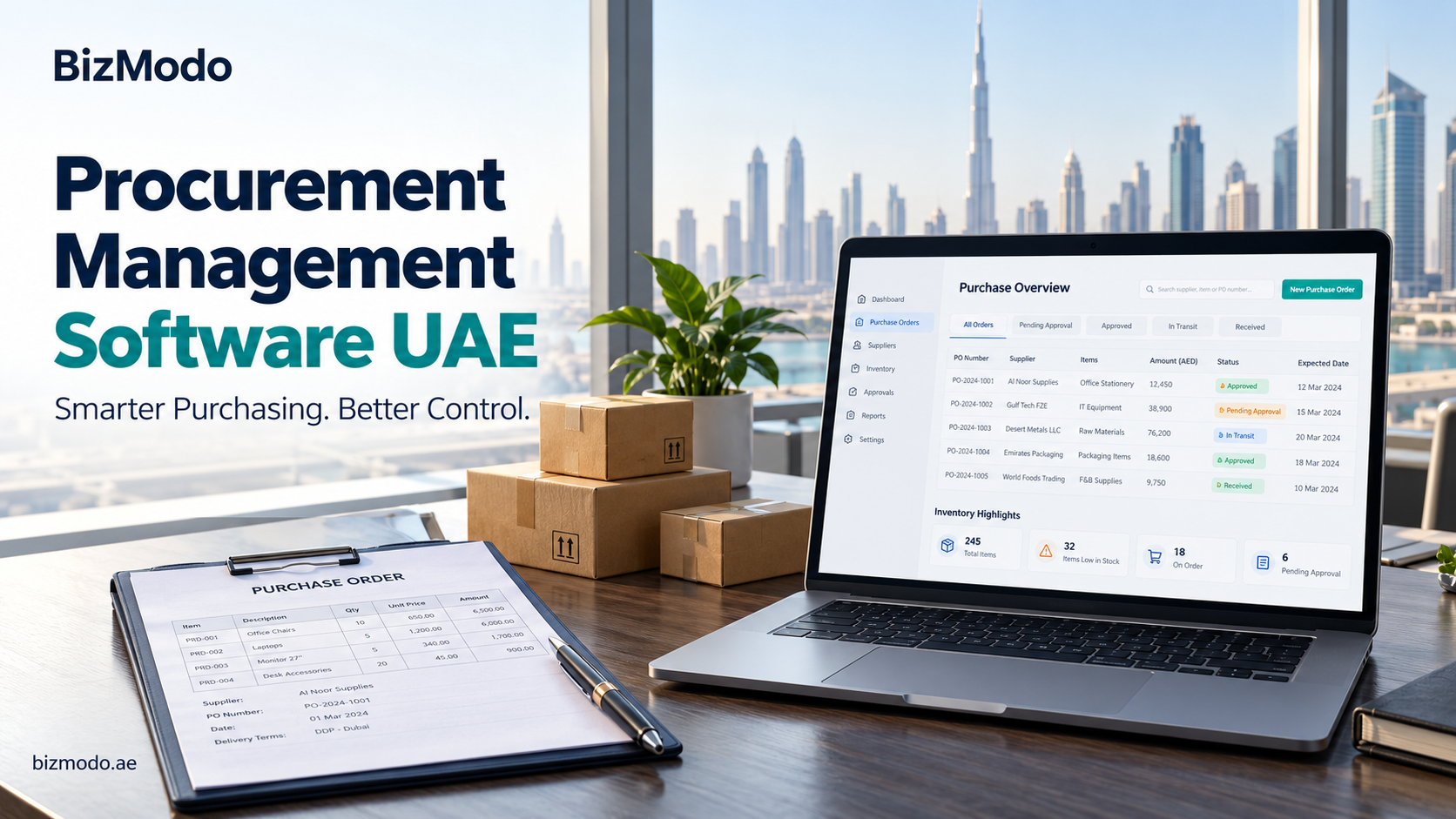
Procurement POS Software for Connecting Sales and Purchasing
A busy checkout does not always mean a business is buying the right stock. Popular products can sell out while slower items occupy shelf space. If purchasing decisions rely on last month’s order or a quick look around the store, the next delivery may repeat the same imbalance.
Procurement POS software brings purchasing into the conversation with sales and inventory. The term is useful shorthand for purchasing capabilities connected to a point-of-sale system, whether built into the same platform or provided through an integration. It does not mean that every POS includes a complete procurement module.
For UAE retailers, cafés and other stock-based businesses, the value comes from using sales information to make better buying decisions. A buyer should be able to understand what is selling, what remains available and what is already on order before asking a supplier for more.
Use sales history with the right context
Sales records provide a starting point for replenishment, but they need interpretation. A product may show low sales because demand is weak, because the shop ran out of it or because it was unavailable in a popular size. Those situations require different responses.
Consider a hypothetical fashion retailer whose medium-sized black shirts sell out early in the week. Looking only at weekly sales could understate demand because customers could not buy the missing size for several days. Buyers should examine availability alongside sales and distinguish each size and colour in the product records.
Promotions also need context. A temporary discount can increase sales without establishing a permanent buying pattern. Record the relevant promotion period so the purchasing team can decide whether that demand is likely to continue.
Connect the sale to the correct inventory item
The connection between POS and purchasing depends on consistent item records. A product sold individually may arrive in cartons. A café sells a finished drink but purchases ingredients and packaging. These differences must be represented correctly before sales data can support reliable replenishment.
For retail products, check how the system handles variants, barcodes and purchase-unit conversions. For food service, ask whether ingredient usage requires a recipe or bill-of-materials module and whether that capability is included in the proposed plan. Do not assume a standard retail stock feature will cover ingredient purchasing.
Set replenishment rules that reflect delivery time
A low-stock alert becomes useful when it gives the team enough time to act. The threshold should reflect expected demand while waiting for delivery, along with a sensible buffer for uncertainty. A supplier delivering tomorrow creates a different purchasing decision from one delivering next week.
As a simplified planning example, an item selling about six units per day would require around 30 units to cover a five-day supplier lead time. A business may choose an additional buffer, but its size depends on demand variation, delivery reliability and the consequences of running out. This example is a starting point for discussion, not a universal reorder formula.
Before placing an order, review usable stock, reservations and outstanding deliveries. Also consider pack sizes, minimum order quantities and storage limits. A replenishment suggestion should make its assumptions visible so that a buyer can check them.
Keep purchase suggestions separate from approval
Automatically identifying a possible shortage is different from automatically sending an order to a supplier. Many businesses benefit from reviewing suggested purchases before making a commitment, particularly for new items, unusually large quantities or products affected by promotions.
Agree on which purchases need approval and who can change quantities or prices. If the software can generate orders automatically, ask how that function is controlled and how staff can pause it when demand or supplier arrangements change.
The review should be quick enough for everyday use. Employees need to see the proposed quantity, the underlying stock position and the expected arrival date without opening several unrelated reports.
Close the loop when deliveries arrive
Sales-based purchasing will not work well if incoming stock is recorded inaccurately. The receiving team should confirm the quantity actually accepted, identify damaged goods and keep any undelivered balance visible. A purchase order alone should not be treated as proof that usable stock has arrived.
Returns need equally clear handling. A customer return may be suitable for resale, need inspection or be written off. A supplier return removes goods for a different reason. Ask how the proposed system records these movements and whether they affect stock availability appropriately.
Regular stock checks remain necessary. Connected software can move information between purchasing and sales, but it cannot correct an unrecorded breakage or an incorrect delivery count by itself.
Test one complete cycle before choosing a platform
A practical demonstration should follow a product through its full cycle. Start with an existing stock balance, record a sale, review the replenishment requirement, raise a purchase order and receive a partial delivery. Then check how the stock position and open order change.
Include an exception that matters to your operation, such as a returned item, a pack-size conversion or a delivery to another branch. Ask the vendor to explain when updates appear, which steps are manual and what happens if an integration fails.
For UAE businesses, also confirm the required document languages, currencies and location structure. Ask for implementation, training and support responsibilities in writing. These details help establish whether the proposed setup matches the way employees actually work.
Consider purchasing alongside the wider POS system
BizModo presents its UAE POS and ERP offering with inventory management, low-stock alerts, supplier order and payment management, and multi-branch controls. Businesses considering the platform should ask it to demonstrate the specific connection between checkout activity, inventory records and purchasing in their proposed configuration.
To explore procurement POS software requirements in more detail, read BizModo’s guide to purchasing and cost control and use your own sales and supplier scenarios during a demonstration.
Confirm which capabilities are standard, which need additional configuration and which depend on another module. This is especially useful when moving beyond straightforward retail stock into ingredient tracking or more complex approval processes.
Measure whether purchasing decisions improve
After rollout, review recurring stockouts, excess quantities, emergency orders and the time employees spend checking purchasing information. Compare results across similar trading periods and investigate changes instead of attributing every improvement to the software.
The most useful procurement POS software gives the buying team a clear connection between customer demand and supplier orders. When the underlying records are dependable, staff can replenish with better context, handle exceptions earlier and explain why each purchase is needed.